

Brand guideline
Logo, logo variations and construction, color palette, typography, and the visual style: pixel pattern, icons, imagery. 15 pages, updated 19 February 2026.
Everything you need to use the OllyGarden brand: the guideline, the logos, the colors, the fonts, the icons and the photography, ready to download. Every rule below comes with something to try, so you can see it work before you take the files.
Downloads
The brand guideline, the logos, the fonts, the icons and the photography. Read the guideline before you design anything with our name on it.
Logo, logo variations and construction, color palette, typography, and the visual style: pixel pattern, icons, imagery. 15 pages, updated 19 February 2026.

OllyGarden and every product, horizontal and vertical, full color for dark or light backgrounds, and one-color white or dark. SVG and PNG, ready to download.
Space Grotesk for interface and text, five weights. Inconsolata for code, one variable file. One zip with the license and a short readme. Both are free under the OFL, so you can pass them to agencies and partners.
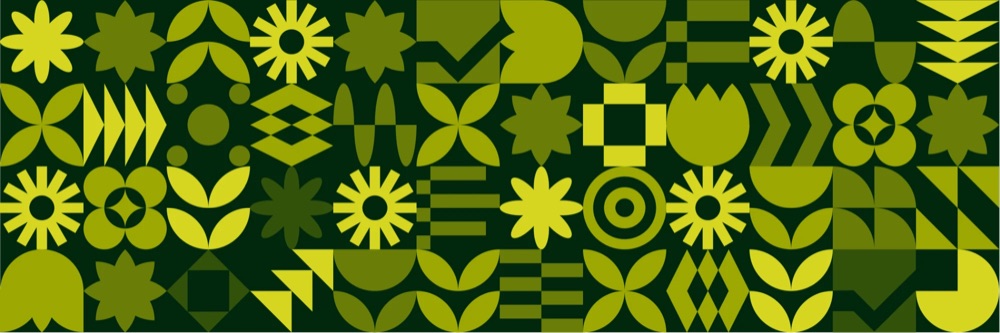
Every icon we use, in one place: the product set and the heavier marketing set, each one saying what it means. Search by meaning, then download the SVG or a PNG.

All 22 photographs, already dithered in the OllyGarden greens and yellow. Search the scene, filter by who is in the frame and by shape, then download. Use these instead of stock photos; the treatment is baked in, so place them as they are.
Logo
The OllyGarden logo represents the balance between nature and technology. It combines a geometric symbol, a large oval with a smaller circle inside, with a clean, modern wordmark set in Space Grotesk Bold.
A large oval with a smaller circle inside, beside a wordmark set in Space Grotesk Bold: the balance between nature and technology, with a nod to observability.
One large oval and one smaller circle. The inner circle aligns to the left, and the center of the large oval lines up with the white space of the small circle.
The large oval fades from 0% to 100% transparency at 45°, the small circle from 0% to 50% at 60°. Small adjustments that add depth and keep the harmony.
A modular grid aligns the symbol and the wordmark at any size. Around the logo, keep clear space equal to the diameter of the inner circle.
Color
The palette builds on the brand’s identity while adding flexibility. Green works as either a base or an accent, and the intermediary tones give designers more range while keeping a modern, tech-botanical look. Click any color to copy its hex.
There’s a lot of
bad telemetry
out there.
There’s a lot of
bad telemetry
out there.
There’s a lot of
bad telemetry
out there.
There’s a lot of
bad telemetry
out there.
Typography
The primary typeface, chosen for its clean geometry, contemporary character and legibility in print and on screen. Set body text in the lighter weights, and titles and highlights in bold for clarity and emphasis. Type below to try it.
ABCDEFGHIJKLMNOPQRSTUVWXYZ abcdefghijklmnopqrstuvwxyz 0123456789 !"#$%&'()*+,-./:;<=>?@[\]^_`{|}~
processors:
  batch:
    timeout: 5s
exporters:
  otlp:
endpoint: collector:4317Use the Arial family as a substitute in operational documents such as reports, presentations and internal emails.
Both fonts are under the OFL, so you can pass them to agencies and partners. One zip, with the license and a short readme.
Download the fontsPixel pattern
The pixel pattern is one of the key elements of the brand: it pairs with the bitmap imagery and carries the tech side of the look. It can also spell numbers, words and short phrases, handy for simple social assets. Click any tile to change its color.
Size the pattern to each asset: put 8 or 16 square tiles along its short side, then repeat them across the whole asset with no gaps or overlaps.
Color each tile from the brand palette, keeping nearly three in four of them the same. With a partner, use their main color for a few tiles.
Put text on solid color, align text and images to the tile edges, and use the palette for maximum contrast.
Icons
OllyGarden icons reflect OpenTelemetry®, modern technology and botanical elements. Work only with the icons shown here; every new one is reviewed carefully. Each pattern shape can turn or flip in 90° steps: hover one to see it, click to download its SVG.
Bitmap imagery
Any image can become an OllyGarden asset once it is bitmapped in the green palette. The result should not look like a realistic photograph, nor messy: the dithering is obvious and every major detail stays. Drag across the photo to compare, or try your own. It is processed in your browser and never uploaded.
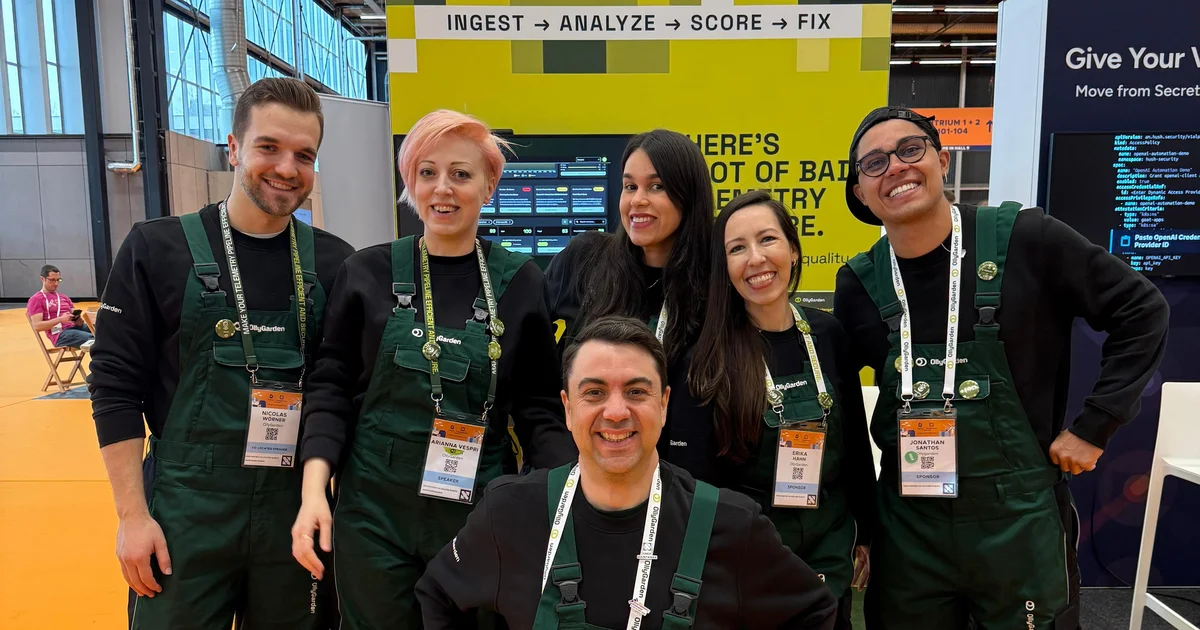
Dither with the green brand palette, matching each shade's brightness to the lights and shadows of the image.
Floyd–Steinberg is the recommended method. A higher factor looks noisy and flat; a lower one adds contrast and hides small details.
Size sets the level of detail: the bigger the asset, the higher the number. Too high on a small asset and the bitmap effect disappears.
The Photo Library has all 22 brand photographs, already dithered and ready to place as they are. Use them instead of stock photos.
Writing about OllyGarden, planning an event with us or building something together? Tell us what you need and we will send the right files.


